

Joseph
7:59
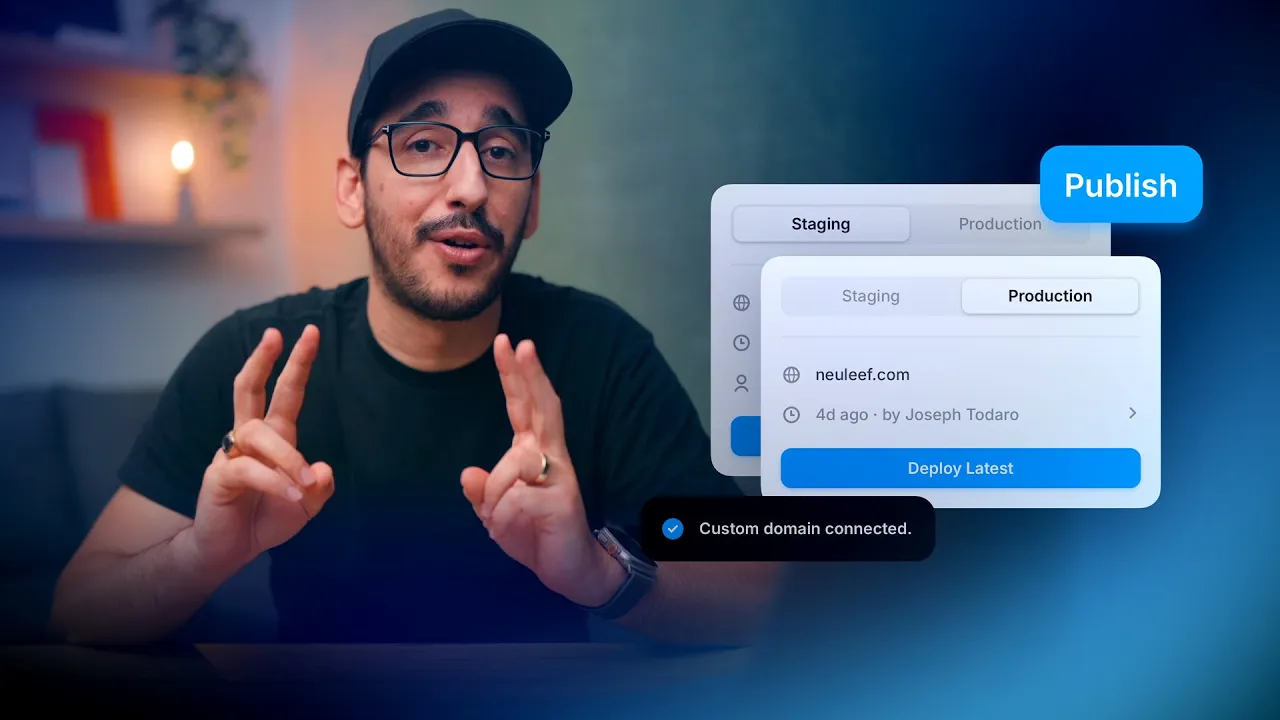
Publish and connect a custom domain in Framer
Publish your site in Framer, choose a Framer subdomain, or connect your own custom domain. This lesson walks through the publish flow, domain settings, site optimization, and staging. You will also learn where to open the live site and how Framer prepares updates before they become available to visitors.
Lesson details
In this Framer tutorial, you will learn Publishing and connecting a domain. We explain a practical workflow, highlight the key settings that affect the result, and show how to apply the technique on real pages for cleaner UX and better site performance.
Frequently asked questions
How do I publish a site in Framer?
Click Publish in the top-right corner of the project. Framer builds the site and gives it a generated framer.app address by default. Open the address from the publish panel to review the live result.
How do I connect a custom domain in Framer?
Open the domain settings from the publish panel or Site Settings, add the domain you want to use, and follow the provided DNS instructions. The domain status will update after the records are configured and verified.
Can I publish without buying a domain?
Yes. Every published project can use a generated framer.app subdomain. You can keep that address or connect a custom domain later when your site is ready.
What happens while Framer optimizes a published site?
Framer prepares the site for fast delivery and pre-renders its pages. Wait for the optimization status to finish before checking features that depend on the published index or the final production build.
How can I test updates before they go live?
Use staging to review changes on a separate version before deploying them to the production site. This gives you a place to check links, layout, and content without replacing the current live version.