
Justin
2:14
Polish your pages with the Agent
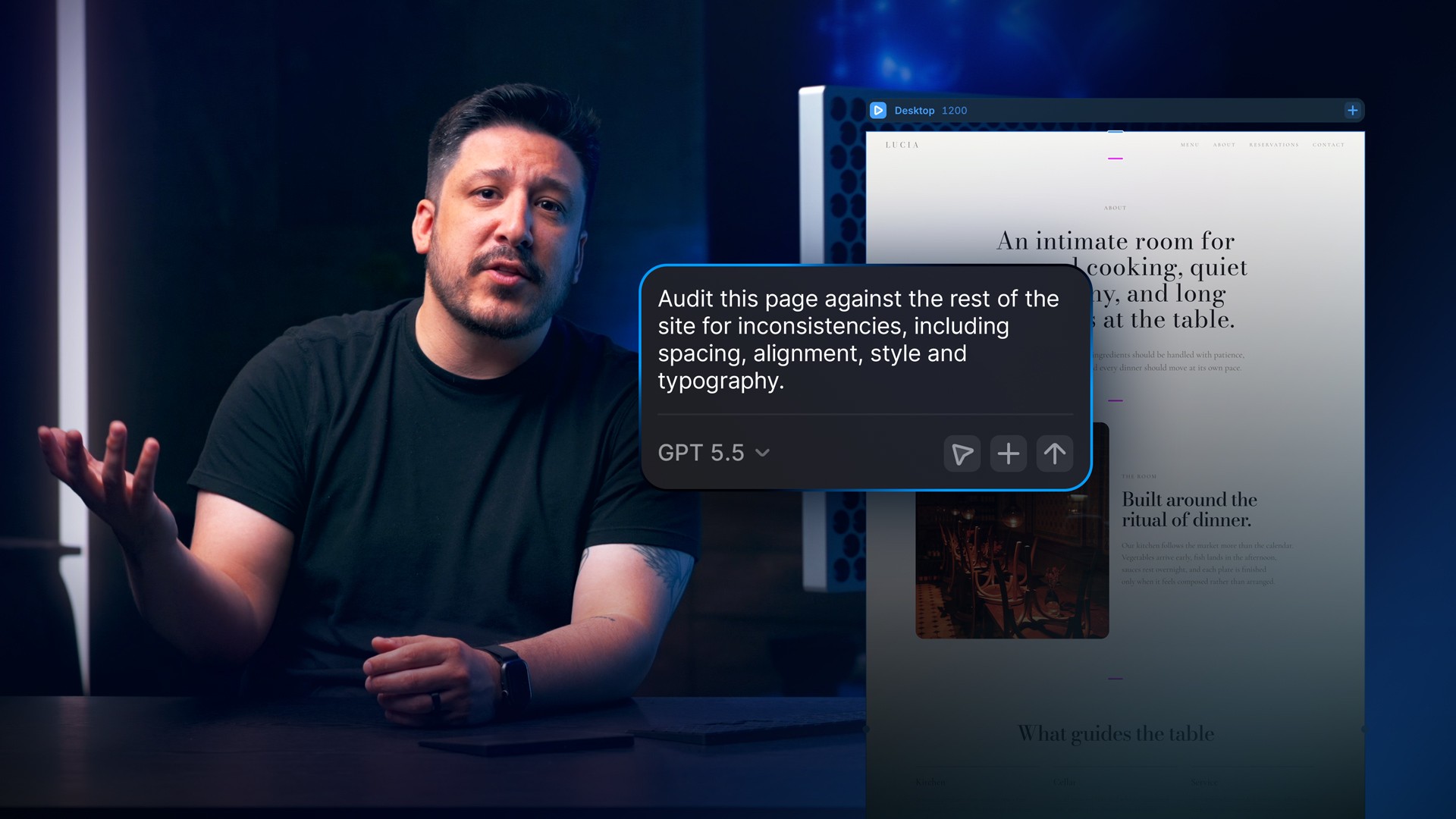
Use the Agent to polish a page by asking it to compare the design with the rest of your site, find spacing, alignment, typography, and copy issues, then apply the fixes you approve. Every change stays editable on the Framer canvas, so you can refine the result before it reaches your site in Framer.
Lesson details
Give the Agent a focused audit prompt and ask it to compare the selected page with the rest of your project. Have it inspect spacing, alignment, typography, visual style, and copy before it changes anything. Select a specific Frame when you want the review limited to one section.
Read the findings first, then approve only the fixes that match your intent. Check the updated layout at each breakpoint and refine the editable layers on the canvas before publishing.
Keep the task narrow enough to review on the canvas. A specific scope gives you a clearer diff and makes it easier to reject a change without disturbing work you already approved.
Frequently asked questions
How do I polish my pages with the Agent?
Use the Agent to polish a page by asking it to compare the design with the rest of your site, find spacing, alignment, typography, and copy issues, then apply the fixes you approve. Every change stays editable on the Framer canvas, so you can refine the result before it reaches your site in Framer.
What does this lesson cover?
The lesson covers the settings and steps used to polish your pages with the Agent. If you want to use the Agent to polish a page, start with a focused audit prompt. Follow the demonstrated order in your project and review each change on the canvas before moving to the next step.
How do I stay in control when the Agent changes a project?
Ask the Agent to inspect the selected page or layer first, then review the proposed work on the canvas. Keep the changes that match your intent and revise or remove the rest. Use a branch for broader updates so your main project remains separate until you finish the review.
Does the Agent publish changes automatically?
No. The Agent can prepare changes on the editable canvas or in a branch, but publishing remains a separate action. Review the affected pages, CMS content, Components, and responsive behavior first. Publish only after the result matches your intent for your site in Framer.
What should I review after I polish your pages with the Agent?
Review the exact pages and elements changed by the workflow. Confirm that copy, links, accessibility, responsive behavior, and interaction states still work as intended. Use preview for the final check and keep publishing separate from editing so you can fix problems before visitors see the update.