

Justin
3:38
Connect Vector Sets to the Framer CMS
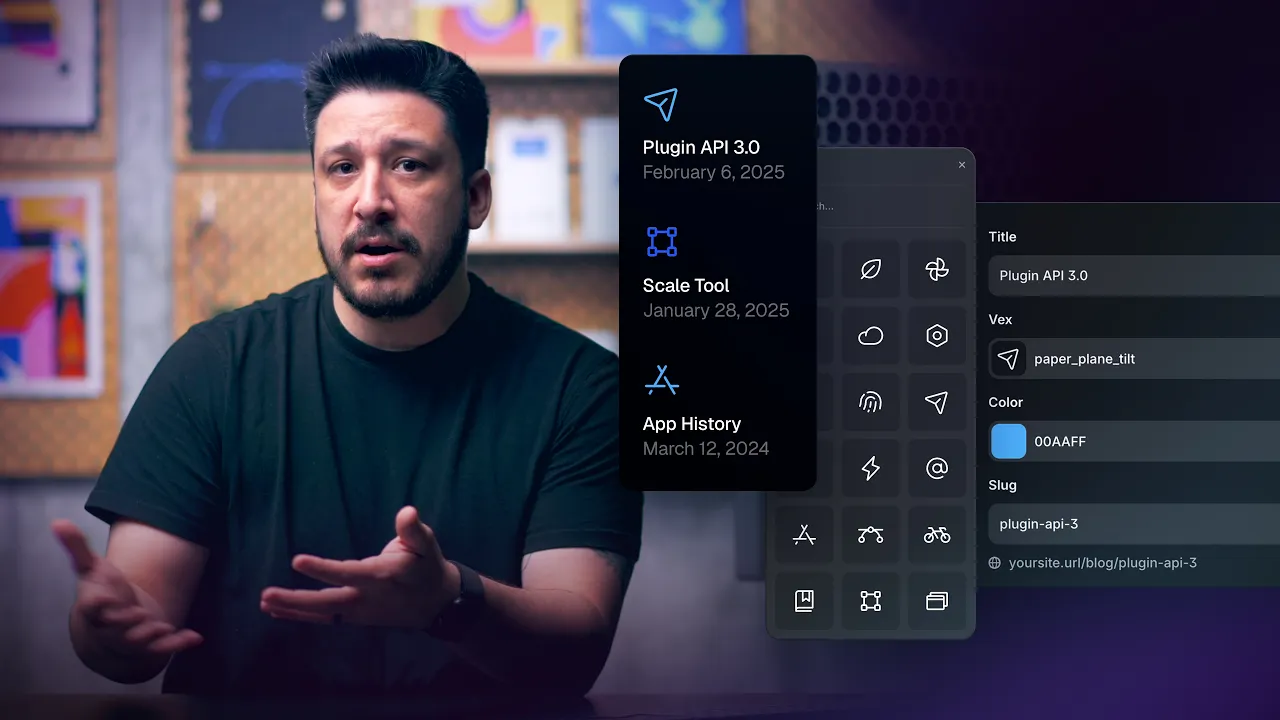
Framer CMS icons let collection items control which icon appears in CMS-driven layouts. Add a Vector Set field to a collection, choose an icon per item, then bind the icon layer on the canvas so lists and detail pages update from CMS content.
Lesson details
Add a Vector Set field to the CMS collection and choose an icon for each collection item. Place the Vector Set inside the collection list on the canvas, then bind its icon property to the new CMS field so every repeated item shows its assigned icon.
Keep visual variables such as color or stroke width inside the Vector Set. Add matching CMS fields only when content editors need to control those properties per item, and preview several records to catch missing icons or inconsistent styling.
Keep the collection schema understandable to the people who will maintain it. Clear field names and predictable bindings reduce one-off canvas fixes when new records are added.
Frequently asked questions
How do I connect Vector Sets to the Framer CMS?
Framer CMS icons let collection items control which icon appears in CMS-driven layouts. Add a Vector Set field to a collection, choose an icon per item, then bind the icon layer on the canvas so lists and detail pages update from CMS content.
What does this lesson cover?
The lesson covers the settings and steps used to connect Vector Sets to the Framer CMS. Framer CMS icons are built by adding a Vector Set field to a CMS collection. Follow the demonstrated order in your project and review each change on the canvas before moving to the next step.
Does this workflow keep CMS content editable?
Yes. The workflow uses Framer CMS fields, items, references, or collection lists rather than flattening the content into a static page. Review the field mapping and each affected item after the change so editors can keep managing the content from the CMS.
Will CMS changes update collection pages?
CMS-backed collection lists and detail pages use the values stored in their connected fields. A field or item change can therefore appear wherever that content is bound. Review the list page, detail page, references, filters, and empty states after completing the workflow.
What should I review after I connect Vector Sets to the Framer CMS?
Review the exact pages and elements changed by the workflow. Confirm that copy, links, accessibility, responsive behavior, and interaction states still work as intended. Use preview for the final check and keep publishing separate from editing so you can fix problems before visitors see the update.
Continue watching
Load more