

Benjamin
6:27
Build a scrollable mobile menu in Framer
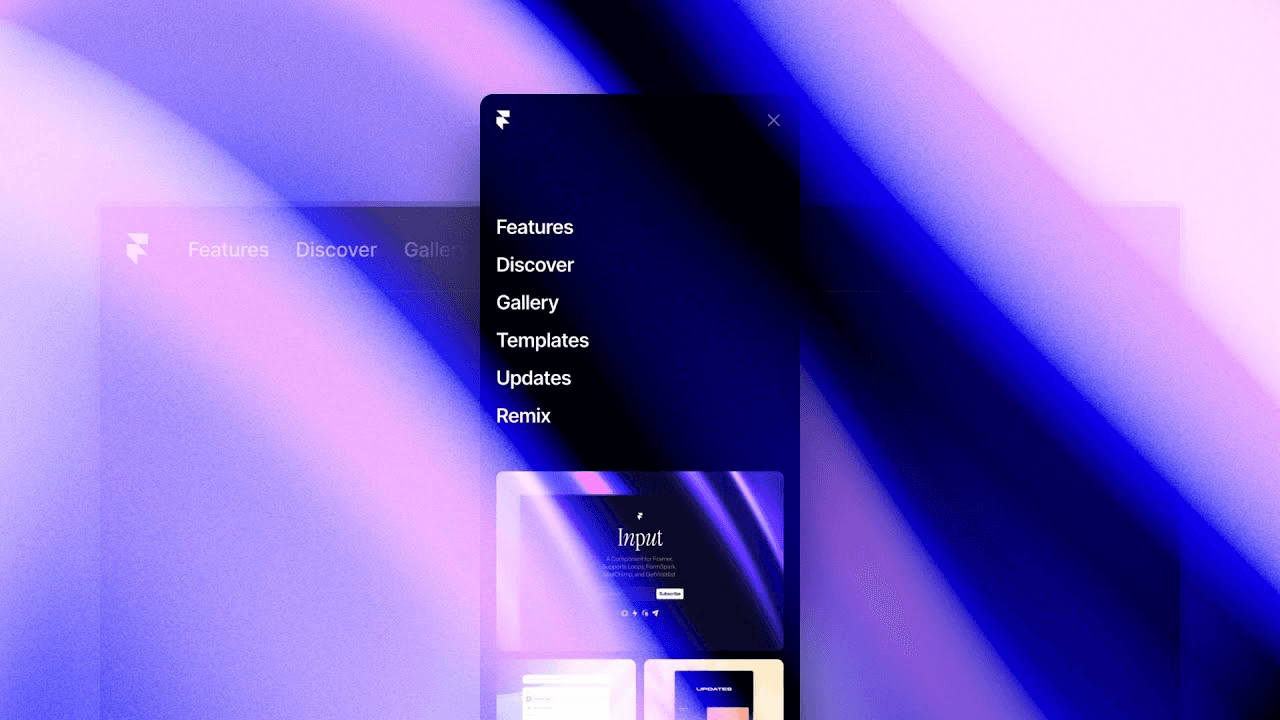
Build a mobile menu in Framer that expands with a height animation and remains scrollable when its content exceeds the viewport. This lesson creates phone Variants, changes Stacks from horizontal to vertical, reveals the menu trigger, and uses fill, fit, gap, padding, and overflow settings to keep the navigation usable on small screens.
Lesson details
In this Framer tutorial, you will learn Design a Scrollable mobile menu with height animation. We explain a practical workflow, highlight the key settings that affect the result, and show how to apply the technique on real pages for cleaner UX and better site performance. See Viewport.
Frequently asked questions
How do I create a mobile menu in Framer?
Add phone Variants to the navigation Component, reveal the menu trigger, and change the links Stack to a vertical layout. Connect the trigger to the open and closed states.
How do I animate the mobile menu height?
Set the closed and open Variants to the intended heights, then add a transition between them. The open state can expand toward the viewport height while the inner content keeps its own layout.
How do I make a long mobile menu scrollable?
Use overflow settings on the menu container so content can scroll when it is taller than the available viewport. Keep the top controls visible and test on short phone screens.
Why should the links use a vertical Stack on phone?
A vertical Stack gives navigation items enough width and a clear reading order on narrow screens. Adjust gap, alignment, and padding in the phone Variant without changing the desktop layout.
What should I test in a mobile navigation?
Test open and close behavior, page scrolling, long link lists, focus order, and each destination. Confirm that the menu does not trap content outside the viewport and that the trigger remains reachable.
Continue watching
Load more