
Justin
8:25
Content, Components, and CMS with Framer Agents
Framer Agents for CMS and components help you turn repeated content into reusable systems. You can replace placeholder assets, tighten copy, convert repeated elements into components, create CMS collections, connect collection lists, and keep the result editable for a final production pass inside Framer.
Lesson details
Framer Agents for CMS and components are useful once a design direction is already in place. The agent can replace placeholder images, audit repeated copy, rewrite passive text, and summarize what changed so you can review the result before publishing.
For repeated UI, the agent can turn similar cards, buttons, list items, or nav links into reusable components with variables. Each repeated item becomes an instance, so future edits happen in one component instead of across many disconnected layers.
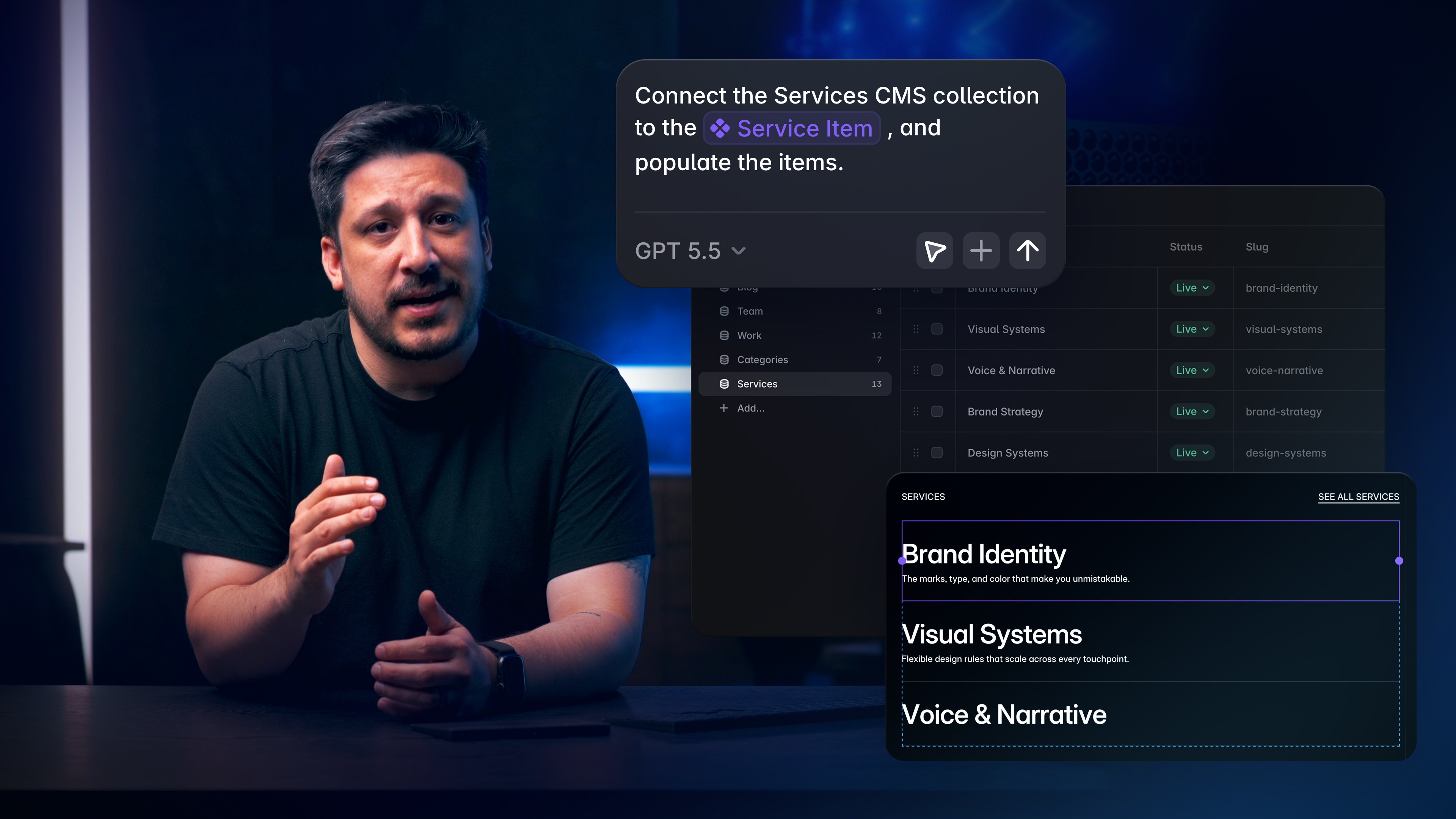
The Framer CMS workflow is where this becomes especially practical. Agents can create collections from existing page content, replace static sections with collection lists, add reference fields, rename CMS items, simplify slugs, create redirects, and design CMS-backed sections that still match the site.
Frequently asked questions
What production tasks are covered in this lesson?
The lesson shows how the Agent can replace placeholder images, tighten repeated copy, create reusable Components, and move static content into the CMS. It also covers collection lists, reference fields, CMS-backed sections, slugs, and redirects. Each result remains editable so you can complete a final production review in Framer.
Can the Agent work with Components and CMS content?
Yes. The Agent can turn repeated cards, buttons, list items, or navigation links into Components with editable properties. It can also create CMS collections, map existing page content into fields, connect collection lists, and add references between records. Review the resulting schema and Component instances before using them across your site in Framer.
When should I review the result manually?
Review the result whenever the Agent changes copy, reusable Components, CMS fields, references, slugs, or redirects. Check that the data model makes sense, every binding displays the correct value, and long or missing content does not break the layout. Preview the affected pages and test links before publishing.
Should I ask for one-off edits or reusable systems?
Ask for a reusable system when the same pattern or content structure appears more than once. A shared Component or CMS collection keeps later updates consistent and reduces repeated canvas work. Use a one-off edit when the element is unique and turning it into a system would add controls or fields that nobody needs.
Can the Agent create Code Components too?
The Agent can help create Code Components when a workflow needs behavior that standard canvas tools do not provide. Define the expected inputs, states, sizing, and interaction before it writes the Component. Test the result on the canvas, inspect its property controls, and confirm it behaves correctly at every supported breakpoint.