

Benjamin
10:27
Add API data with Fetch in Framer
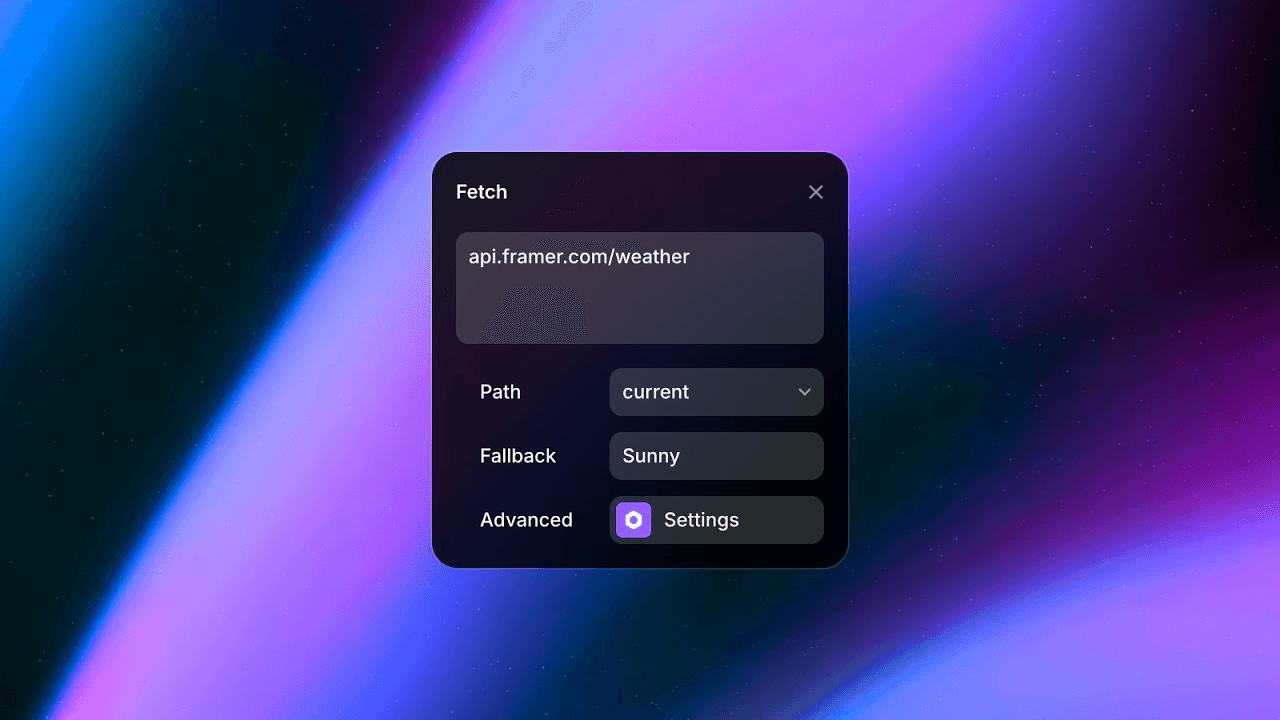
Use Fetch in Framer to display dynamic data from an API without writing code. Add an endpoint to a supported property, select a value from the response, and bind it to content on the canvas. This lesson also explains when data belongs in Fetch and when static or indexable content should stay on the canvas or in the CMS.
Lesson details
In this Framer tutorial, you will learn Use Fetch to add dynamic data from APIs to your Framer Site. We explain a practical workflow, highlight the key settings that affect the result, and show how to apply the technique on real pages for cleaner UX and better site performance. See How to use Fetch.
Frequently asked questions
What is Fetch in Framer?
Fetch connects a supported Framer property to an API endpoint and displays a value from the response. It is suited to dynamic information that changes per visitor or cannot be known when the site is published.
How do I connect an API with Fetch?
Select the property that should use dynamic data, choose Fetch, and enter the API endpoint. Framer makes a test request and lets you select the required value from the returned data.
When should I use the CMS instead of Fetch?
Use the CMS or canvas for content that can be known before publishing, especially text that should be indexed by search engines. Use Fetch for live, user-specific, or frequently changing values.
Does Fetch require a code component?
No. You can configure the endpoint and select response data from the Framer interface. The API still needs to return data in a format and access pattern that works from a public website.
What should I check before using an API on a live site?
Check response speed, caching, rate limits, authentication, error behavior, and whether the endpoint allows browser requests. Never expose private credentials in a public Fetch URL.
Continue watching
Load more