
Justin
5:18
Add a locale in Framer
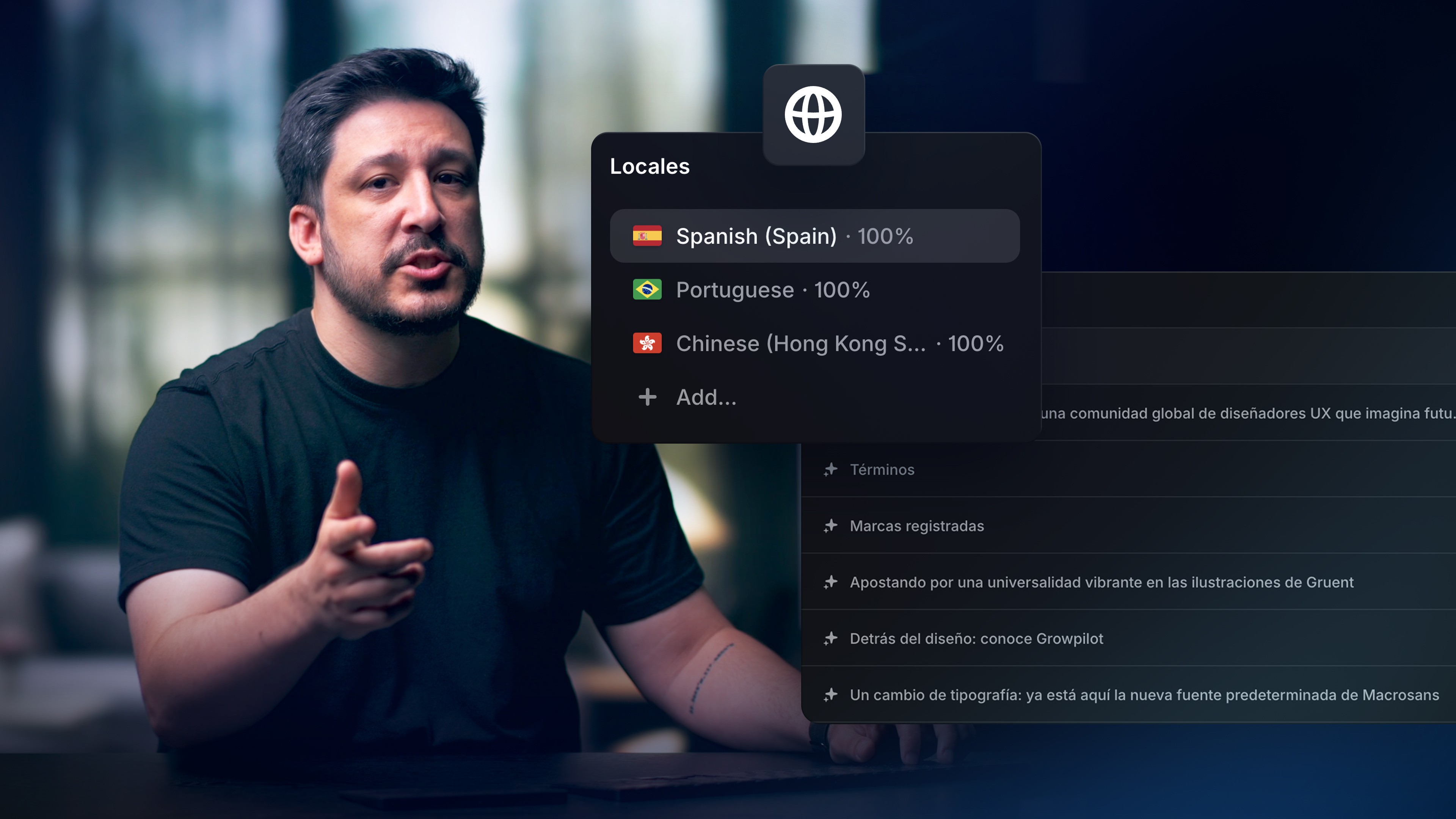
Add locales in Framer from the Localization view to translate one website for different languages and regions. Framer collects page content, CMS text, Component copy, metadata, and image alt text into one table, where you can translate manually or use AI translation with review controls.
Lesson details
Open Localization from the globe icon, set the default language, and add the language and optional region you need. Configure the locale name, URL slug, fallback language, and translation approach before Framer gathers page copy, CMS fields, Component text, metadata, and alt text into the localization table.
Translate entries manually or use AI translation for selected content, then review every changed string in context. Preview the locale before publishing so navigation, CMS content, images, and page metadata still match the language visitors chose.
Use the default locale as the source of truth while allowing local copy to differ when language or market context requires it. Translation quality matters more than matching every sentence word for word.
Frequently asked questions
How do I add a locale in Framer?
Add locales in Framer from the Localization view to translate one website for different languages and regions. Framer collects page content, CMS text, Component copy, metadata, and image alt text into one table, where you can translate manually or use AI translation with review controls.
What does this lesson cover?
The lesson covers the settings and steps used to add a locale in Framer. To add locales in Framer, open the Localization help workflow from the globe icon, choose your default language, then add the language and optional region you want to support. Follow the demonstrated order in your project and review each change on the canvas before moving to the next step.
Can I review translations before publishing them?
Yes. Framer lets you review locale content before publication. Check page copy, CMS fields, metadata, links, and image alt text in each locale. Use the fallback and translation settings shown in the lesson, then preview the localized pages before you publish them.
Does Localization include CMS content?
Yes. Framer can include CMS text alongside page copy, Component text, metadata, and image alt text in the Localization workflow. Review translated CMS fields and the pages that display them. Confirm fallback behavior when a localized value has not been added.
What should I review after I add a locale in Framer?
Review the exact pages and elements changed by the workflow. Confirm that copy, links, accessibility, responsive behavior, and interaction states still work as intended. Use preview for the final check and keep publishing separate from editing so you can fix problems before visitors see the update.
Continue watching
Load more